

This Seemingly Harmless Carry-On Item Could Become A Hazard During Your Flight
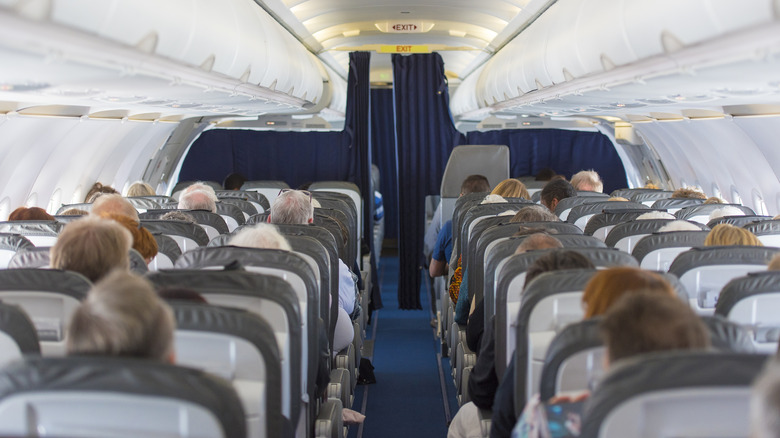
If you're like many travelers, you probably get into your plane seat, and as soon as you're able to, you pull out your laptop. Whether you're working on a presentation or watching a film, a flight is a nice chunk of time where you can do so uninterrupted. However, that laptop can be a hidden danger, especially when you're at 30,000 feet. Most fliers are aware that certain things are prohibited in carry-on bags, like liquids over 3.4 ounces, sharp objects, and the like. And while laptops aren't banned on board, the lithium-ion battery inside your device could catch fire.
A number of laptops have caught fire in the air over the last 20 years. In fact, the Federal Aviation Administration (FAA) reports that there were 91 verified incidents involving laptops between March 2006 and September 1, 2026. While that's lower than the 318 reported "battery pack/battery" incidents during the same period, it isn't nothing. According to a report from CBS News, a laptop battery caught fire on a domestic American Airlines flight as recently as August 2026. While you may fly all the time and never have a problem, it's important to be aware of the potential dangers, and know what to do if something does happen.
How to fly safely with your laptop
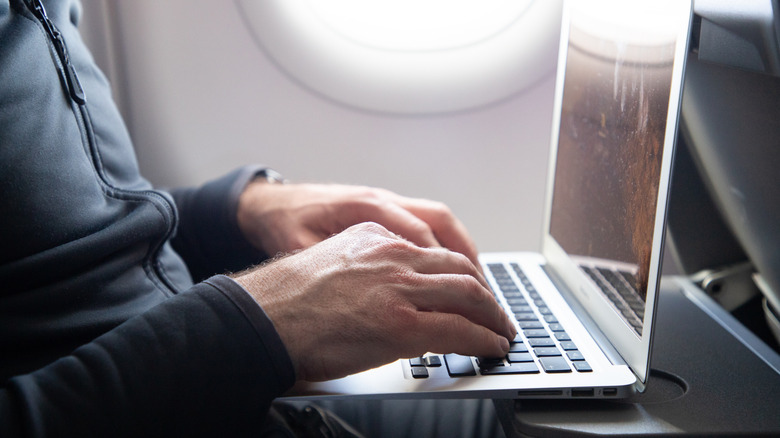
Lithium-ion batteries are prohibited from being packed in checked luggage in items such as portable chargers. (Funnily enough, human-like robots have also been banned on Southwest Airlines because of lithium-ion batteries, according to CNN.) However, laptops are permitted because the battery is installed in the device (though they must be fully powered off if you do choose to check them). That said, the FAA recommends keeping them with you in the cabin. If the battery does catch fire, crew members are trained in extinguishing and containing any flames.
Before you fly, make sure to inspect your laptop. If something seems off, or if the device has been overheating a lot lately, you may want to get it checked before your trip. If you see signs of an issue during a flight — the FAA mentions things like "overheating, expanding, smoking or burning" — tell a crew member right away so they can help. In fact, this is the reason you might hear an announcement saying that, if your cell phone drops between seats, you shouldn't get it out yourself. It can be crushed or damaged by the fall or seat movement, and that can cause the battery to catch fire.
While your wheeled carry-on bag may have the perfect pouch for a laptop or tablet, you're better off putting these electronics in your personal item if you can. With high prices for checked baggage, many people bring a larger carry-on, and the overhead bins can fill up quickly, leading to many of these bags being gate-checked. If that happens, it's smart to take your laptop out and keep it with you. Finally, if you plan to listen to music through your laptop or another device, make sure you know about United Airlines' new headphone policy before you shuffle through your playlist.