
The Cool Google Translate Features You Need To Try While Traveling Abroad
Perhaps you're planning a trip to some of the planet's best tropical destinations, and among these places are countries whose languages you don't understand. You know, of course, that reality can hit really hard when you have to read a menu or interpret a sign in a foreign language. However, knowing the right translation hack can help you overcome these barriers. And one of the tips that can help you have a hassle-free getaway, in this case, is using the camera of your phone to translate words right on the screen. With the Google Translate app features, you can use your phone to translate unknown languages on signs, menus, maps, or even product labels.
On both Android and iPhone, you can do this directly in the Google Translate app. Most Android phones come with the app preinstalled; otherwise, you may just need to download the app from Google Play store. Apple iPhone users, however, will need to download it from the App Store, but your device must be an iPhone 4S or newer and run iOS 11 or later. With this app, you don't have to play a guessing game to know whether to order something or not when dealing with an unfamiliar language. And to further take full advantage of this, you can download language packs in advance to help yourself when you don't have access to the internet. This will be ideal when you're traveling but don't have data or Wi-Fi.
How the translation app works on both Android and iOS
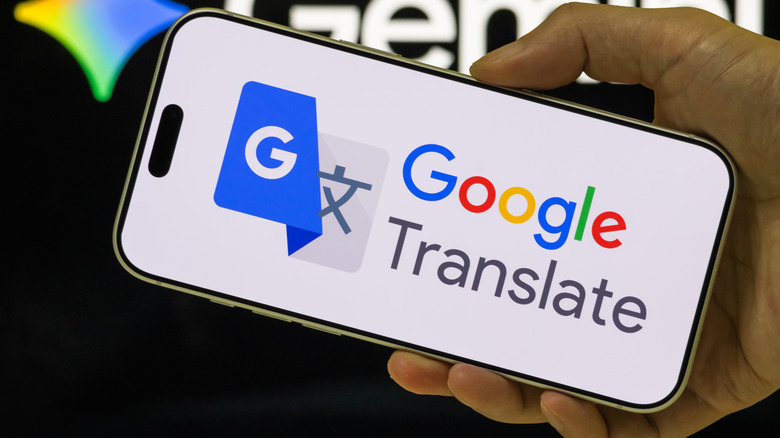
The app works basically the same way on both Android and iPhone, although the arrangement of the features may look slightly different. When you open the Google Translate app on your phone, you'll see two fields side by side; select the input language (usually on the left) and the output language (on the right). Also within the app, you'll find a camera icon (essentially a Google Lens integration); tap it and point your phone at the text you wish to translate. The feature uses your phone's camera to read printed text, after which it translates the text into the language you want. You may also translate from an image that's already in your gallery by clicking on the gallery button just beside the shutter.
Live conversation translation is another feature in the Google Translate app that can help you overcome language barriers in real time. Live conversation is different in that it allows you to talk with someone who speaks another language and see or hear the translation instantly. This is done through Conversation mode in the Google Translate app. To use it, tap the "Conversation" or microphone icon. Then, select the two languages you want to translate between and start speaking — your phone listens, translates, and displays the translated text. So, if you want to ask for directions, order food, or talk to locals, you can do so all without having to memorize long phrases.
When you combine all these features with offline language packs, you essentially have a personal interpreter in your pocket, giving you the chance to overcome language barriers more easily and enjoy a smoother, less stressful trip no matter where you visit in any of the world's most beautiful islands or beyond. You also get to focus on the experience of the trip rather than worrying about language issues.